Working from home has become a common part of many people’s lives. Creating a productive home office environment can significantly improve your focus, efficiency, and job satisfaction. Whether you’re new to remote work or looking to enhance your current setup, these tips will help you design a workspace that supports your goals.
Choose the Right Location for Your Home Office
Find a Quiet Spot
Select a space in your home that is relatively quiet and free from distractions. This might be a spare room, a corner of your living room, or even a section of your bedroom. The key is to have a dedicated area where you can focus when it’s time to work.
Consider Natural Light
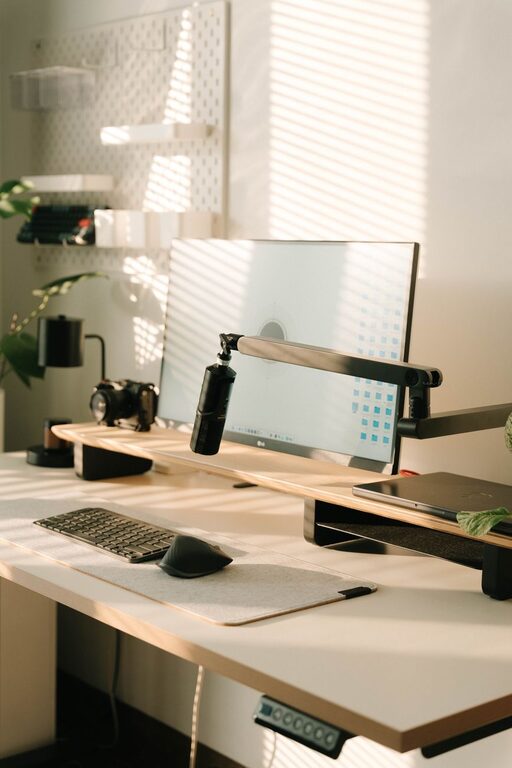
Natural light can boost mood and energy, so try to position your desk near a window if possible. If natural light is limited, invest in good artificial lighting that mimics daylight to reduce eye strain.
Invest in Comfortable and Functional Furniture
Ergonomic Chair and Desk
A comfortable chair with good lumbar support is essential to prevent back pain during long work hours. Pair it with a desk at the proper height to maintain good posture.
Desk Organization
Choose a desk with enough surface area for your computer, documents, and essential tools. Some desks come with built-in storage, which helps keep your workspace tidy.
Optimize Your Workspace for Efficiency
Declutter Regularly
Keep only what you need on your desk. Clutter can negatively impact focus, so regularly clear out unnecessary items.
Use Storage Solutions
Use shelves, filing cabinets, or storage boxes to organize papers, office supplies, and devices. Labeling your storage can help you find things quickly.
Set Up Technology Properly
Reliable Internet Connection
Working online requires a stable internet connection. If your Wi-Fi signal is weak in your workspace, consider using a wired connection or a signal booster.
Essential Devices and Accessories
Invest in quality devices such as a fast computer, a good headset for calls, and external monitors if needed. Cable management tools can prevent wires from tangling and keep your desk neat.
Establish a Routine and Boundaries
Create a Schedule
Having fixed working hours helps create a work-life balance and encourages discipline. Use calendars or productivity apps to organize your tasks.
Take Breaks
Short breaks during work hours can improve focus and prevent burnout. Consider techniques like the Pomodoro method—working for 25 minutes, then taking a 5-minute break.
Set Boundaries with Others
Make sure family or roommates understand your work hours and respect your workspace. This minimizes interruptions and promotes a professional environment.
Personalize Your Space
Add Inspiring Elements
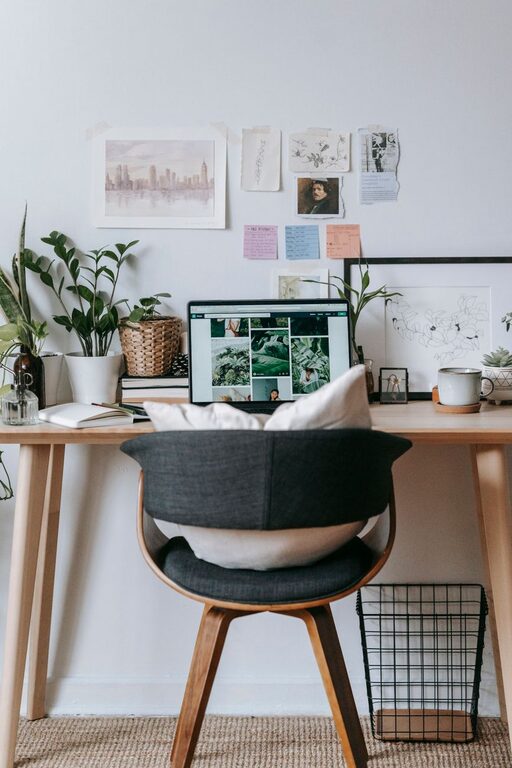
Decorate with plants, artwork, or motivational quotes to make your space inviting. Personal touches can boost mood and creativity.
Keep Comfort Items Handy
Items like a water bottle, a small fan, or a cozy blanket can make your workspace more comfortable and reduce distractions caused by discomfort.
Manage Noise and Distractions
Use Noise-Canceling Tools
If external noise is a problem, consider noise-canceling headphones or white noise machines to create a quiet environment.
Minimize Digital Distractions
Limit social media and unrelated websites during work hours using apps or browser extensions designed to block distractions.
Maintain Good Air Quality and Temperature
Ventilation
Good airflow helps keep you alert and comfortable. Open windows when possible or use fans or air purifiers to maintain fresh air.
Temperature Control
Ensure the temperature in your home office is comfortable. Too hot or too cold can affect concentration and productivity.
Review and Adjust Regularly
Evaluate Your Setup
Periodically assess your home office to identify any discomfort or inefficiencies. Small changes over time can improve your overall experience.
Stay Flexible
Your needs may change, so be open to rearranging your space or upgrading equipment as required.
—
By thoughtfully setting up your home office with these tips, you can create a workspace that supports focus, comfort, and productivity. A well-designed environment helps you separate work from home life, reduces stress, and makes working remotely more enjoyable and effective.