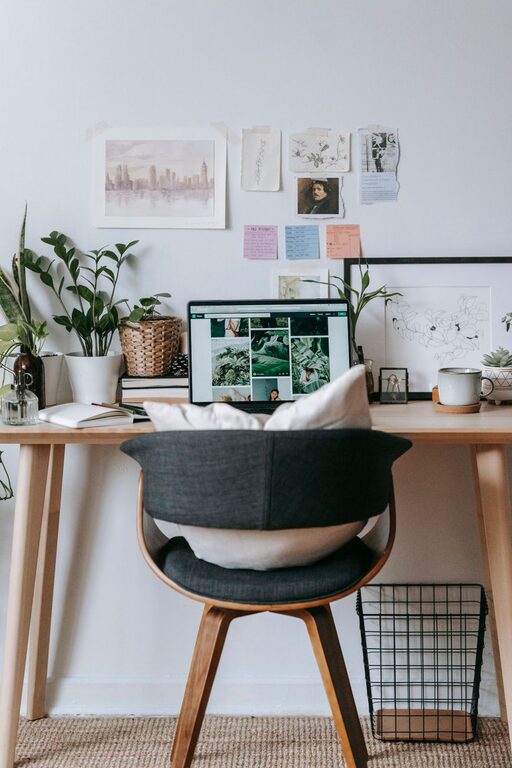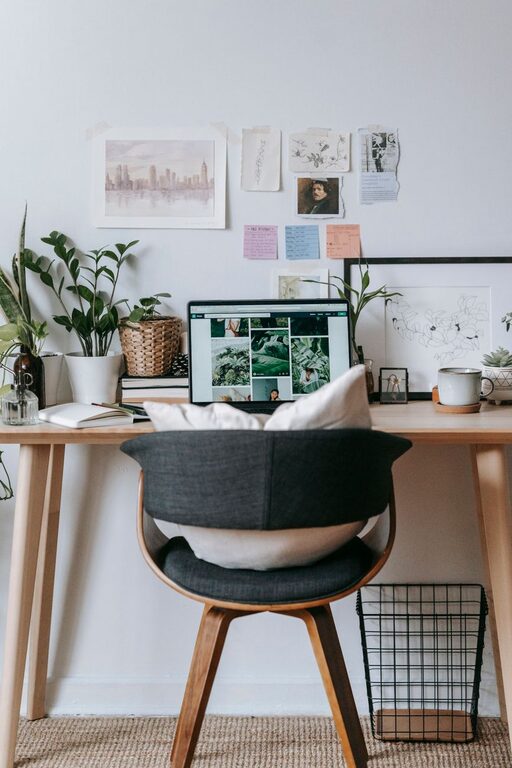
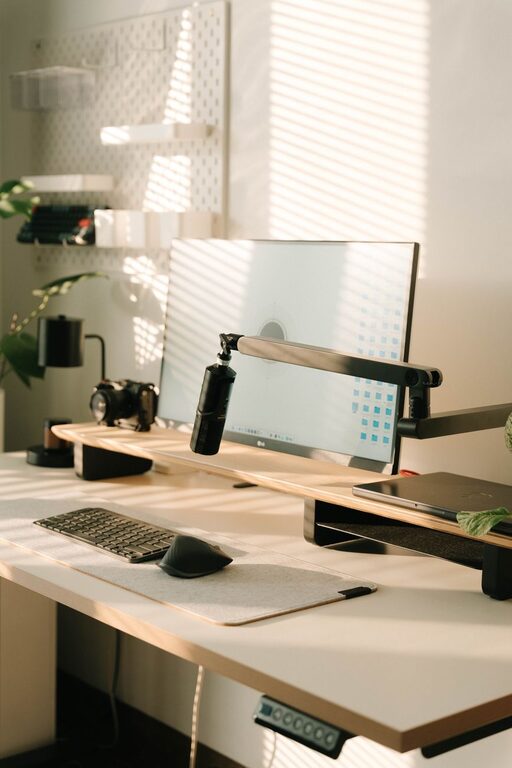
Creating a home office that feels both cozy and functional is essential for staying motivated and productive, especially as more people work from home. A well-designed workspace can improve focus, reduce stress, and make the workday more enjoyable. Whether you have a small corner or an entire room to dedicate to your office, these tips will help you build a space that fits your style and needs.
Choose the Right Location
Assess Your Space
Look for a spot in your home that is quiet and free from distractions. Near a window is often ideal because natural light can boost mood and energy. If privacy is important, a room with a door may be preferable.
Consider Accessibility
Make sure your office area is easy to reach and separate enough from your living spaces to help you keep work and personal life balanced.
Select Comfortable and Supportive Furniture
Invest in a Good Chair
A comfortable, ergonomic chair is one of the best investments for your home office. It supports your posture and prevents discomfort during long work hours.
Choose a Functional Desk
Pick a desk that fits your available space and accommodates your computer, documents, and any other tools you use regularly. Adjustable desks that allow standing or sitting can add versatility.
Optimize Lighting
Use Natural Light
Try to position your desk near a window to take advantage of daylight. It reduces eye strain and creates a welcoming atmosphere.
Add Task Lighting
Supplement natural light with a desk lamp for focused illumination. Lights with adjustable brightness or color temperature help customize your workspace.
Keep Your Workspace Organized
Use Storage Solutions
Shelves, drawers, and organizers help keep your desk clear and save time by making it easier to find what you need.
Declutter Regularly
A tidy workspace supports clear thinking. Set aside a few minutes each day to organize papers, supplies, and digital files.
Personalize Your Environment
Add Comfortable Textiles
Throw pillows, a soft rug, or a cozy blanket can make your office feel more inviting.
Incorporate Plants
Plants improve air quality and bring a touch of nature indoors, which can boost creativity and reduce stress.
Display Inspirational Items
Photos, artwork, or motivational quotes can keep your spirits high throughout the day.
Manage Technology Efficiently
Organize Cables
Use clips or cable management boxes to keep cords neat and out of the way, preventing clutter and safety hazards.
Invest in Quality Equipment
Ensure your computer, keyboard, and other devices are reliable and comfortable to use, reducing frustration and increasing efficiency.
Create Boundaries
Set Work Hours
Decide on specific work times to help separate your job from personal time.
Use Physical Boundaries
If possible, close a door or use a screen to visually define your office area, signaling to others when you are working.
Maintain Good Air Quality and Temperature
Ventilation
Open windows occasionally or use an air purifier to keep fresh air circulating.
Temperature Control
Keep a fan or heater nearby to adjust temperature for comfort, avoiding distractions caused by feeling too hot or cold.
Final Thoughts
Designing a home office that is both cozy and functional takes a little effort, but the benefits are well worth it. Prioritizing comfort, organization, and personalization will help you create a workspace where you enjoy spending time and can work effectively. Start small, experiment with different setups, and adjust based on what feels best for you. A thoughtfully designed home office can transform your daily work routine into a more pleasant and productive experience.